A notion content calendar turns scattered ideas, deadlines, and channel plans into one working system. The useful version is more than a monthly grid: it should show what each item is, who owns it, what stage it has reached, and where the finished content will appear. I recommend starting with one central database, then adding views and templates as the publishing routine becomes clearer. That keeps the first setup manageable while leaving room for a rolling schedule across social and search content.
Start on a blank Notion page and give the workspace a clear name, such as Content Operations. Create one central content database rather than separate lists for every channel. A database can hold the brief, production details, approvals, and publication record for each item. This follows the project-and-database approach described by Local Creative, while avoiding a structure that becomes difficult to maintain.
Add the fields that support the next publishing cycle:
Create several views from the same database. Use a calendar view for dates, a board view for status, and filtered views for upcoming work, drafts, review, approved items, scheduled posts, and published content. Keeping these views connected prevents the same content from being copied into multiple lists.
Add a planning-period field that supports both a monthly content calendar and a rolling 30-day schedule. Reusable page templates can prefill recurring content types and include prompts for contributors who need help developing an idea. Start with only the fields required for the next cycle; a highly detailed workspace can make the system harder for beginners to use before the basic publishing habit is established. For related coverage, see What Is a Content Calendar and Why Teams Need One – rankspan.zenzen1.com.
Build the calendar database
Start with a blank Notion page and give the workspace a clear name. Then create one central projects or content database rather than separate lists for Facebook, Instagram, or each other channel. This keeps planning in one place while still allowing different views for different publishing needs. A central database is also easier to expand later; the documented Notion setup uses projects and databases as the foundation for brainstorming, planning, and creating content across social channels (Local Creative).
Use the title as the record name, then add a target publish date, planning period, channel, content type, status, owner, and priority. Give each item space for a brief, draft link, approval state, destination URL, and performance notes. Channel values can include Facebook, Instagram, TikTok, YouTube, Pinterest, and LinkedIn when those platforms are part of the publishing mix. Add a 30-day or monthly planning field as well, so the database supports a rolling schedule instead of locking you into one calendar month. A date-based calendar view shows timing; a board view groups records by status; filtered database views can show all content, upcoming work, drafts, items in review, approved items, scheduled posts, or published content.
Create reusable page templates for recurring formats such as articles, videos, newsletters, or social posts. Each template can include a short prompt, briefing questions, and reminders about the information a contributor needs before starting. Keep the first version deliberately small. Begin with the fields required for the next publishing cycle, then add views, prompts, and extra properties after the basic calendar is being used consistently. For example, a small team might begin with one article template containing a title, monthly planning period, LinkedIn channel, publish date, brief, draft link, and approval state, then add performance notes once that item has been published.
Run content from idea to publication
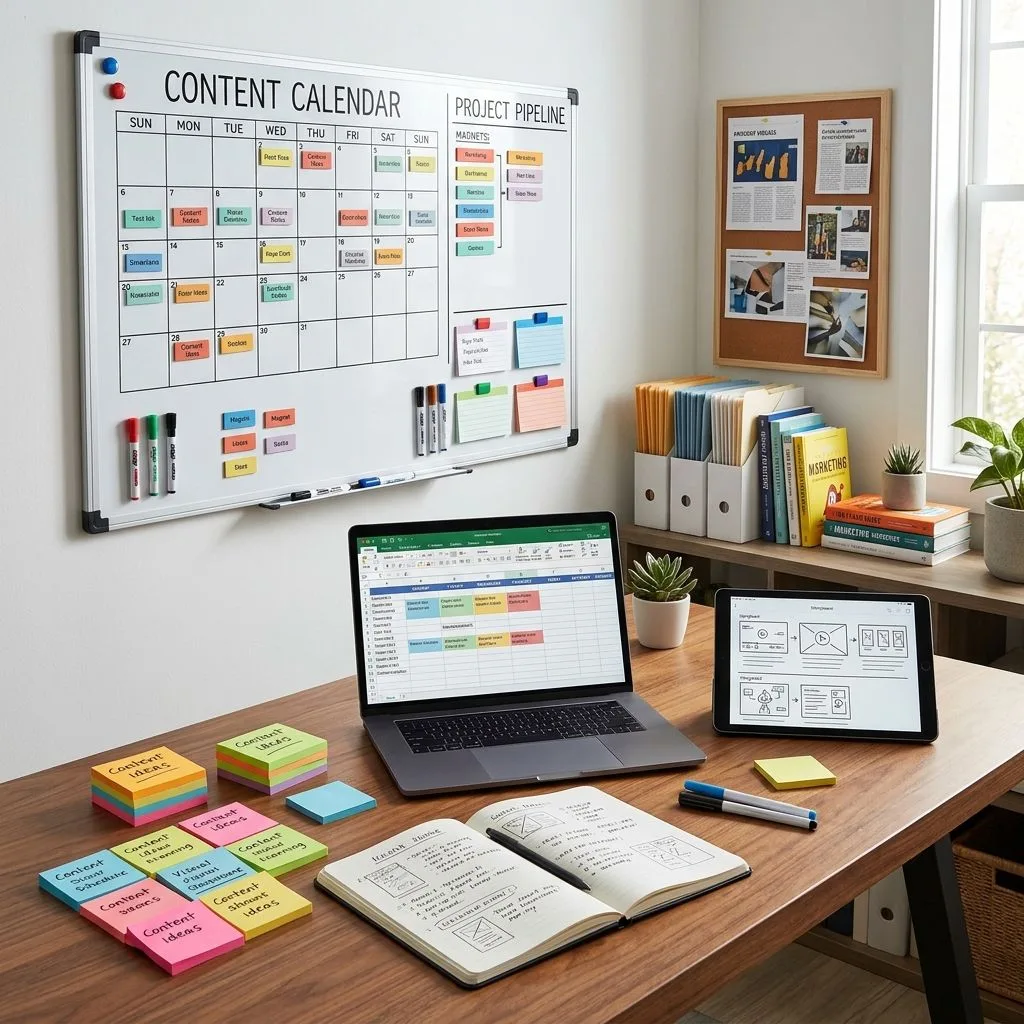
I treat each content item as a work order, not a parking place for ideas. Its status moves from idea to brief, draft, review, approval, scheduling, publication, and performance review, so the next action stays visible. One record can hold the brief, responsible person, deadline, approval state, final URL, and reporting notes in one handoff-ready space. That structure keeps context from being scattered across messages and documents, especially when several people touch the same piece. A database-based approach supports this combination of planning and execution (Local Creative). For related coverage, see How to Choose Target Keywords for Blog Content – rankspan.zenzen1.com.
Solo creator workflow
For a solo creator, I use one record per idea and move it from capture to publication without creating duplicate tracking. The brief is the decision point: for SEO work, I record the target keyword, search intent, related cluster, intended audience, and internal-link ideas before drafting. This supports the role of keyword research and content development described by Google for Developers.
- Capture the idea and assign its primary channel and target date.
- Write the brief, including the SEO fields when the item is search-focused.
- Create the asset, whether that is an article, image, video, or email.
- Mark the record ready for review after the asset is complete.
- Schedule the approved item for its assigned date.
- Add the published link as soon as the item goes live.
- Keep adaptations under the same parent record when one idea becomes a blog post, social update, video, or newsletter.
I also set aside a weekly planning session to inspect the next 30 days. I fill genuine gaps, balance formats across channels, and move unfinished work to realistic dates instead of letting overdue records pile up. That habit keeps the calendar aligned with what I can actually produce, while the parent record preserves the relationship between one idea and every platform-specific version.
Team and SEO workflow
I make ownership visible before work begins. Each content item gets one owner and a status that names the next action: assigned, drafting, in review, approved, scheduled, or published. That removes the common team failure where several people assume someone else is moving the item forward. The status should describe work, not mood; “almost done” tells a collaborator very little.
Approval is a required gate before scheduling. I have the reviewer check factual accuracy, brand fit, links, formatting, and search requirements, then record the decision on the content item. For search-led topics, the brief should connect the planned subject to keyword research and its wider content cluster. Google identifies keyword research and content development among common SEO services ( Google for Developers ). RankSpan can sit alongside Notion as an optional execution layer for clustering, rolling 30-day planning, article production, pre-publish checks, WordPress scheduling, and Search Console reporting, while Notion holds collaboration and edits. For related coverage, see How to Plan a Month of Content in One Sitting – rankspan.zenzen1.com.
For an agency, I keep each client’s briefs and approvals in a separate database or workspace, then use one operating process to review deadlines, publication status, and results across accounts. That separation protects client context without losing management visibility. A practical review meeting might open with overdue approvals, confirm which approved items are scheduled, and finish by checking results from recently published work.
Choose the right planning approach
Notion is the strongest planning choice when I need one customizable workspace for documents, databases, project planning, and content organization. It can support brainstorming, editorial planning, and social publishing without forcing every team into the same structure, although that flexibility means someone must maintain the database as the system grows (Local Creative).
I use a spreadsheet when the job is only to track topics, dates, and owners with very little workflow complexity. It keeps the planning surface light, but it is not the right place to assume broader publishing or reporting capabilities. An SEO automation platform fits work that continues past planning into keyword clustering, article production, quality checks, scheduled WordPress publishing, and search-performance reporting. A hybrid arrangement can be practical: Notion holds collaboration, briefs, and approvals, while RankSpan handles repeatable search and publishing operations. That division keeps editorial decisions visible without asking a planning workspace to perform every production task.
| Approach | Best fit | Workflow coverage | Main consideration |
|---|---|---|---|
| Notion | Flexible editorial and social planning | Ideas, briefs, owners, statuses | Flexible structure requires ongoing database maintenance |
| Spreadsheet | Simple topic and deadline tracking | Basic lists, dates, and assignments | Detailed feature comparison is not established |
| SEO automation platform | Search-led publishing programs | Keyword clustering, article production, quality checks, scheduled WordPress publishing, and Search Console reporting | Broader workflow scope than planning alone |